 a3e2914355
|
||
|---|---|---|
| .. | ||
| keymaps | ||
| a_dux.c | ||
| config.h | ||
| info.json | ||
| readme.md | ||
| rules.mk | ||
readme.md
Architeuthis Dux
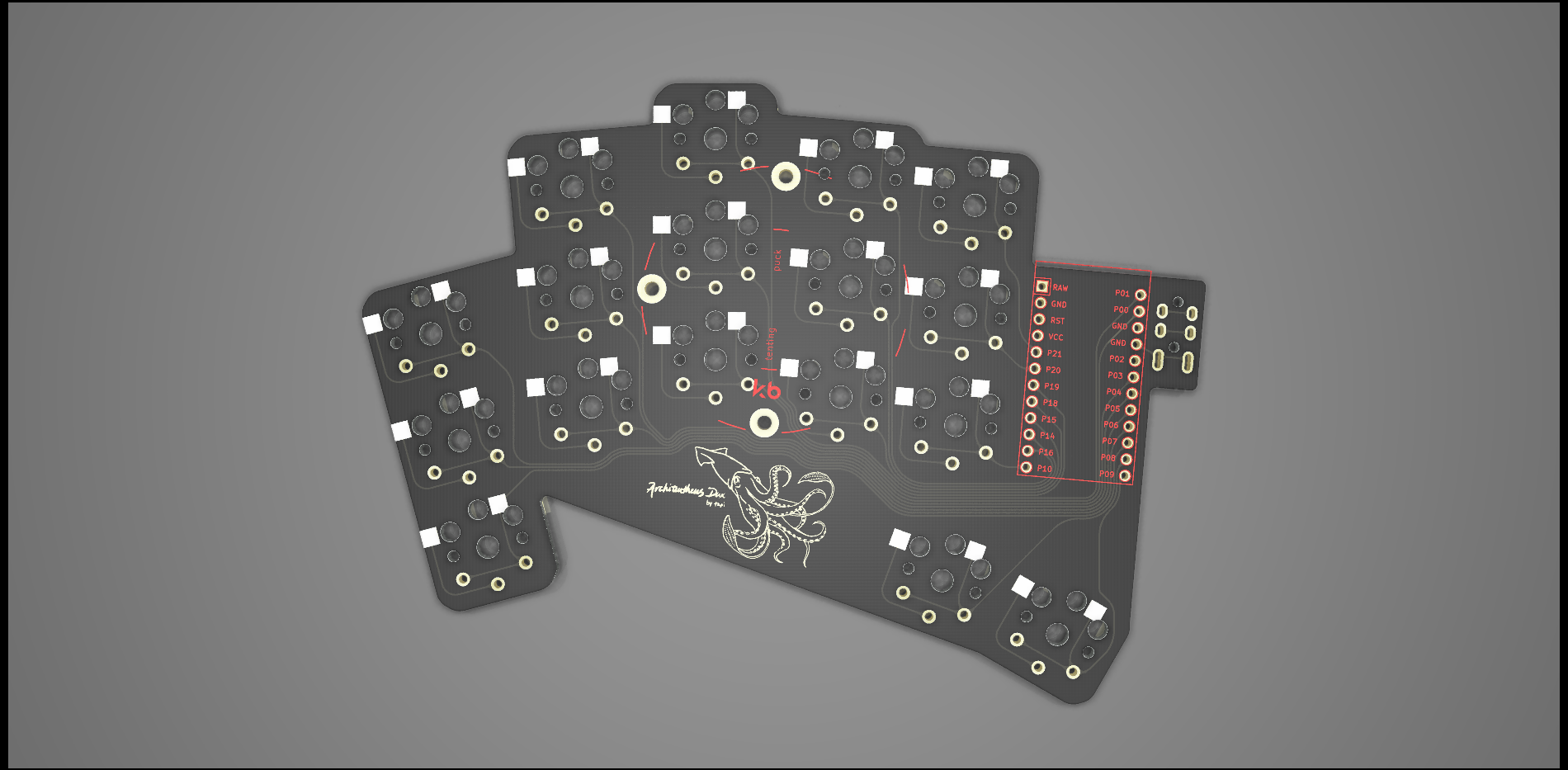
AKA A. dux, A.D., "Giant squid"
34 keys, same stagger as D. gigas, but with two thumb keys included. Pinky, ring, index, and inner columns splayed at 15, 5, 0, -5, -5 degrees. SplitKB Tenting Puck support. All PCB files are available on the project's github page
Thank you Perce for the logo.
Cases can be found here:
Keyboard Info
Make examples for this keyboard (after setting up your build environment):
make a_dux:default

make a_dux:default:avrdude-split-left
make a_dux:default:avrdude-split-right
Bootloader
Enter the bootloader in 3 ways:
-
Bootmagic reset: Hold down the top left key on the left half (or the top right right key on the right half) and plug in the controller on that side.
-
Physical reset pins: Briefly short the RST and GND pins on the microcontroller using tweezers, a paperclip, or any other conductive material.
-
Keycode in layout: Press the key mapped to
QK_BOOTif it is configured. -
Keycode in layout: Press the key mapped to
RESETif it is available
See the build environment setup and the make instructions for more information. Brand new to QMK? Start with our Complete Newbs Guide.